

Struggling to stay focused? Here’s the fix: Multitasking often reduces productivity and quality. Instead, focus on one task at a time using proven strategies like time blocking, the Eisenhower Matrix, and distraction-free workspaces.
Key Takeaways:
- Prioritize Tasks: Use the Eisenhower Matrix to decide what’s urgent and important.
- Time Blocking: Schedule 90-minute focus sessions with breaks in between.
- Distraction-Free Workspace: Organize your digital and physical space to minimize interruptions.
- Focus Tools: Apps like Forest, RescueTime, and Freedom can block distractions.
- Mental Exercises: Try 5-minute meditations or breathing techniques to sharpen focus.
Start small: Begin with 25-minute focus sessions, track your productivity, and gradually build better habits. These simple steps can help you cut through distractions and take control of your workday.
Is Multitasking the End of Productivity?
How Multitasking Affects Your Work
Trying to handle multiple tasks at once might seem efficient, but constantly switching between them can hurt both your productivity and the quality of your work.
Why Multitasking Falls Short
When you multitask, your brain has to rapidly shift focus, which scatters your attention and drains your energy. This often leads to lower-quality work. For example, a content creator who jumps between writing, editing, and managing social media might find it harder to stay creative and is more likely to make mistakes.
The Hidden Time Cost of Task Switching
Every time you switch tasks, your brain needs a moment to disengage from the first task and refocus on the next. This small delay adds up, eating into your productive time. A better approach? Group similar tasks together and work on them in uninterrupted blocks. This minimizes the mental strain and helps you maintain focus.
Up next, we’ll look at ways to overcome these challenges and sharpen your concentration.
Methods to Improve Focus
Multitasking can take a toll, but there are practical ways to regain your focus and get more done.
Using the Eisenhower Matrix for Tasks
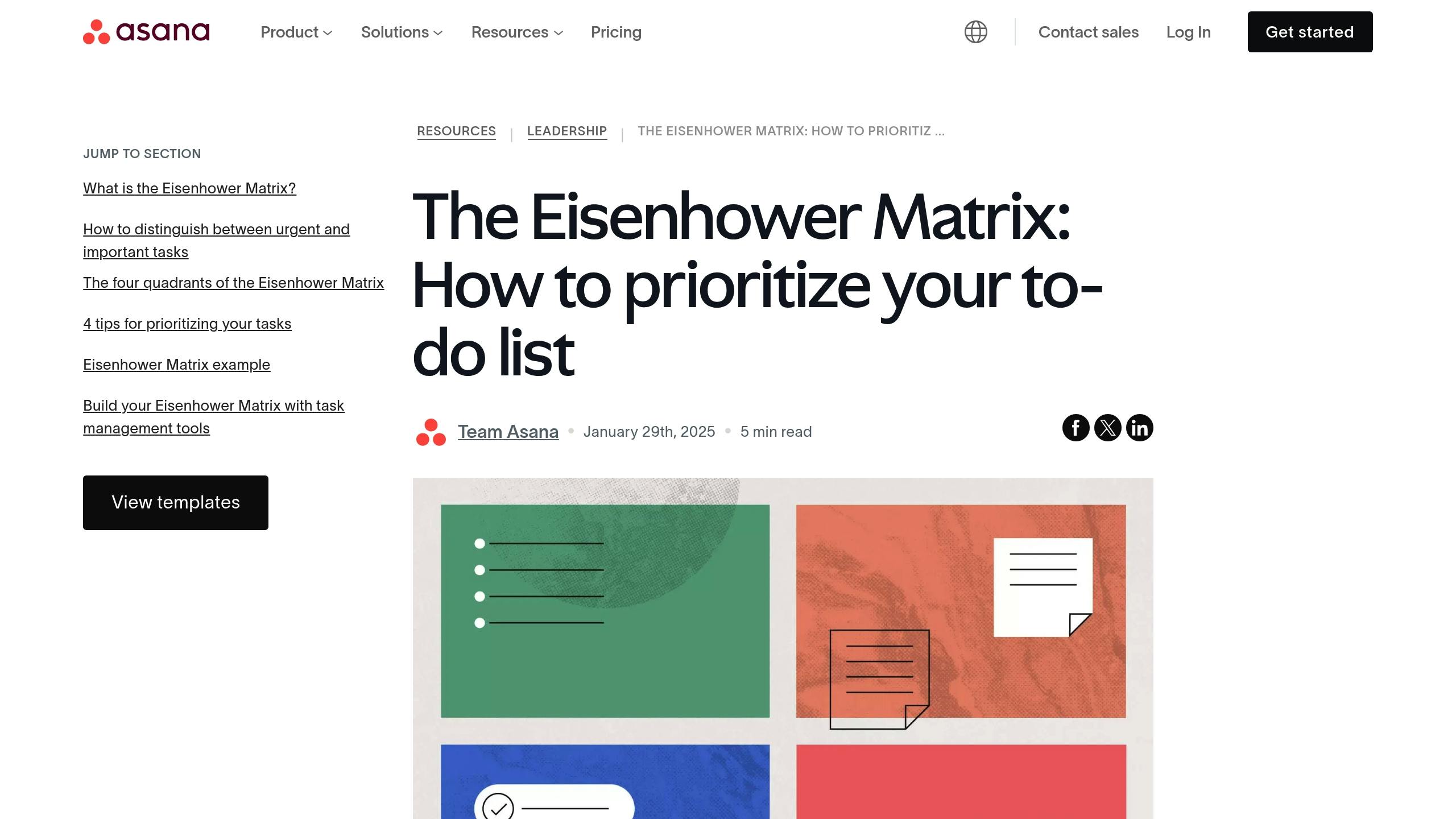
The Eisenhower Matrix is a simple tool to help you prioritize tasks by urgency and importance. Named after President Dwight D. Eisenhower, it guides you to focus on what matters most while avoiding distractions.
| Priority Level | Urgent | Not Urgent |
|---|---|---|
| Important | Do First: Client deadlines, crises | Schedule: Planning, skill-building |
| Not Important | Delegate: Routine emails, admin tasks | Eliminate: Social media, useless meetings |
Here’s how to use it:
1. Create Your Matrix
Draw a 2×2 grid on paper or use a digital tool. Label the columns “Urgent” and “Not Urgent” and the rows “Important” and “Not Important.”
2. Sort Your Tasks
Assign each task to one of the four quadrants. Be honest about what truly needs your immediate attention versus what can wait or be delegated.
3. Take Action
Start with “Important & Urgent” tasks. Then, schedule time for “Important but Not Urgent” tasks to prevent them from becoming emergencies.
Setting Up Time Blocks
Time blocking can help you stay focused and organized. Here’s how to structure your day:
- Dedicate 90-minute sessions to deep, focused work.
- Add 15-minute breaks between blocks to recharge.
- Group similar tasks together to stay efficient.
- Tackle demanding tasks when your energy is at its highest.
Focusing on One Task at a Time
Single-tasking means giving your full attention to one task before moving on to the next. This method improves focus and often leads to better results.
To stay on track:
- Keep your workspace free of distractions.
- Close unnecessary browser tabs and apps.
- Set a clear goal for each session.
- Use a timer to stay disciplined.
- Take structured breaks to avoid burnout.
An environment that supports these habits will make it easier to stay focused and productive.
sbb-itb-522d111
Setting Up a Distraction-Free Workspace
Creating a workspace that minimizes distractions is key to staying productive. A well-organized environment – both digital and physical – can help you maintain focus and get more done.
Organizing Digital Files and Tools
A cluttered digital space can make it harder to concentrate. Simplify your setup with these strategies:
| Digital Area | Organization Strategy | Benefits |
|---|---|---|
| Desktop | Keep only essential shortcuts and current project files | Reduces visual distractions |
| File System | Use clear folder names and a consistent structure | Makes files easier to find |
| Browser | Limit open tabs to active projects | Helps you stay focused |
Cloud storage platforms like Google Drive or Dropbox can keep your files accessible and organized. For task management and note-taking, tools like Notion or Evernote are great for keeping everything in one place.
Arranging Your Physical Workspace
Your physical environment plays a big role in how well you can focus. Set up your space with these tips:
- Place your desk near a window for natural light, but avoid screen glare.
- Keep only the essentials – like your computer, notebook, and pen – on your desk.
- Adjust your monitor so the top is at eye level to reduce neck strain.
- Use a supportive chair to encourage good posture.
- Make sure the room temperature is comfortable for working.
A clean, organized desk isn’t just visually pleasing – it also helps reduce distractions and creates a more focused atmosphere.
Managing Notifications and Interruptions
Interruptions can derail even the most productive work sessions. Here’s how to manage them effectively:
- Device and Environment ManagementActivate Do Not Disturb on your devices during work sessions.
- Set specific times to check emails and messages.
- Use noise-canceling headphones or physical barriers to block out distractions.
- Pick a quiet location for your workspace whenever possible.
- Communication BoundariesDefine “office hours” for meetings and calls.
- Use chat tools to set your status as “busy” when focusing.
- Set up auto-replies for non-urgent messages to manage expectations.
For more productivity tips tailored to freelancers and creators, check out resources like Buzzpathy (https://buzzpathy.com), which offers practical advice for staying focused in the creator economy.
Focus-Building Mental Exercises
Once your workspace and tasks are set up for success, it’s time to strengthen your focus with specific mental exercises. Building focus takes consistent effort, and these exercises can complement your workspace and scheduling strategies effectively.
5-Minute Meditation Guide
A short meditation session can help clear your mind and sharpen focus. Here’s a simple method you can try right at your desk:
- Get Comfortable: Sit with your feet flat on the ground and your back straight.
- Set a Timer: Choose 5 minutes to start.
- Choose a Focus Point: Pay attention to your breathing or pick a spot in front of you to focus on.
- Refocus When Needed: If your thoughts drift, gently acknowledge them and return your attention to your focus point.
Basic Breathing Exercises
Breathing exercises are a quick way to regain clarity and calm. Here are a few techniques:
| Technique | Method | Duration | Best For |
|---|---|---|---|
| Box Breathing | Inhale for 4 counts, hold for 4 counts, exhale for 4 counts, hold for 4 counts | 2–3 minutes | Stressful situations |
| 4-7-8 Breath | Inhale for 4 counts, hold for 7 counts, exhale for 8 counts | 1–2 minutes | Quick mental reset |
| Deep Belly Breathing | Inhale deeply for 6 seconds, then exhale for 6 seconds | 3–5 minutes | Maintaining focus |
Taking Effective Short Breaks
Strategic breaks are essential for keeping your mind sharp throughout the day. Here’s how to make the most of them:
- Plan Screen-Free Breaks: Step away from your screen to stretch or take a short walk.
- Incorporate Movement:
- Roll your shoulders forward and backward.
- Stretch your neck gently from side to side.
- Rotate your wrists and ankles to ease tension.
- Refresh Your Mind:
- Take a brief walk or do light stretches during longer breaks.
- These activities help recharge both your body and mind.
Focus-Supporting Software Tools
Staying focused can be a challenge, but digital tools are here to help. Below are some software solutions designed to keep distractions at bay and improve your productivity.
Apps That Block Distractions
Distractions can derail your workflow. These apps are designed to help you stay on track:
| App Name | Key Features | Best For |
|---|---|---|
| Forest | – Rewards for staying focused by planting virtual trees – Customizable blocklists – Team challenges for group productivity – Syncs across devices |
Short, focused work sessions |
| RescueTime | – Tracks your activity – Provides detailed productivity reports – Blocks distracting websites and apps – Includes a focus timer |
Improving focus through data insights |
| Freedom | – Scheduled blocking of websites and apps – Syncs across all your devices – Customizable blocklists – Locked mode to prevent changes during focus time |
Building long-term focus habits |
Work Time Tracking Software
Time tracking tools can give you a clearer picture of how you spend your day, helping you focus better.
- Simple one-click time tracking
- Generates detailed time reports
- Organizes tasks by project
- Integrates with over 100 tools
- Free, unlimited tracking for individuals and teams
- Provides a daily activity timeline
- Offers team analytics for collaboration
- Allows custom workspace rules for better organization
Built-in Focus Settings
Your devices already have tools to help you focus. Here’s how to make the most of them:
- Windows Focus AssistAccess it via Settings > System > Focus Assist
- Lets you manage priority notifications
- Offers automatic rules to activate focus mode based on your schedule
- Apple Focus ModeCreate custom focus profiles tailored to your needs
- Syncs seamlessly across Apple devices
- Allows time-sensitive alerts
- Includes automated schedules for different times of the day
- Android Digital WellbeingFeatures a Focus Mode to pause distracting apps
- Includes a Work Profile for separating personal and professional apps
- Offers Bedtime scheduling to wind down at night
- Provides a usage dashboard to track screen time
These tools, whether standalone apps or built into your devices, can help you create a distraction-free environment and improve your ability to stay on task.
Conclusion
Success in today’s digital age often hinges on the ability to stay focused. By combining smart workspace organization, effective time management methods, and the right digital tools, improving focus becomes a realistic goal.
For content creators, using tools like the Eisenhower Matrix to prioritize tasks, paired with time blocking, can lead to noticeable productivity gains.
Building habits like structured work periods and maintaining an organized workspace can significantly boost task completion rates and overall efficiency.
Here are a few steps to get started:
- Track your productivity for one week to identify your peak focus hours.
- Create a distraction-free environment with the help of focus apps.
- Start with 25-minute focus sessions and gradually increase their length.
Focus is a skill that takes time to develop. By sticking to these strategies, you’ll build habits that help you navigate a world full of distractions.
For more detailed advice tailored to freelancers and content creators, check out Buzzpathy. Start applying these techniques today to take control of your productivity.
https://app.seobotai.com/banner/banner.js?id=67c8f0c008fcceb00021f8c3
 Buzzpathy
Leave a comment