- Video Editing:
- Adobe Premiere Pro (subscription-based, advanced features).
- Final Cut Pro X (one-time purchase, Mac-only).
- DaVinci Resolve Studio (lifetime license, all-in-one solution).
- Graphic Design:
- Adobe Creative Suite (industry standard, subscription).
- Affinity Designer (one-time purchase, cost-effective).
- Sketch (great for UI/UX design, subscription-based).
- Audio Production:
- Pro Tools (professional-grade, widely used in studios).
- Logic Pro X (one-time purchase, Mac-only).
- Ableton Live (great for music production and live performances).
- Social Media Management:
- Hootsuite (scheduling, analytics, team tools).
- Sprout Social (community engagement, advanced reporting).
- CoSchedule (marketing calendar with automation).
Why invest in these tools? They provide better production quality, faster workflows, and essential business features like collaboration, automation, and advanced export options. Although they come at a cost, the time saved and quality improvements can help you grow your business and charge premium rates. Choose tools that align with your workflow and long-term goals.
14 Best Tools for Content Creation (INSANELY USEFUL …
Professional Video Editing Software
Professional video editing requires software that can handle demanding tasks with ease. Here’s a look at three highly regarded options for video professionals.
Adobe Premiere Pro
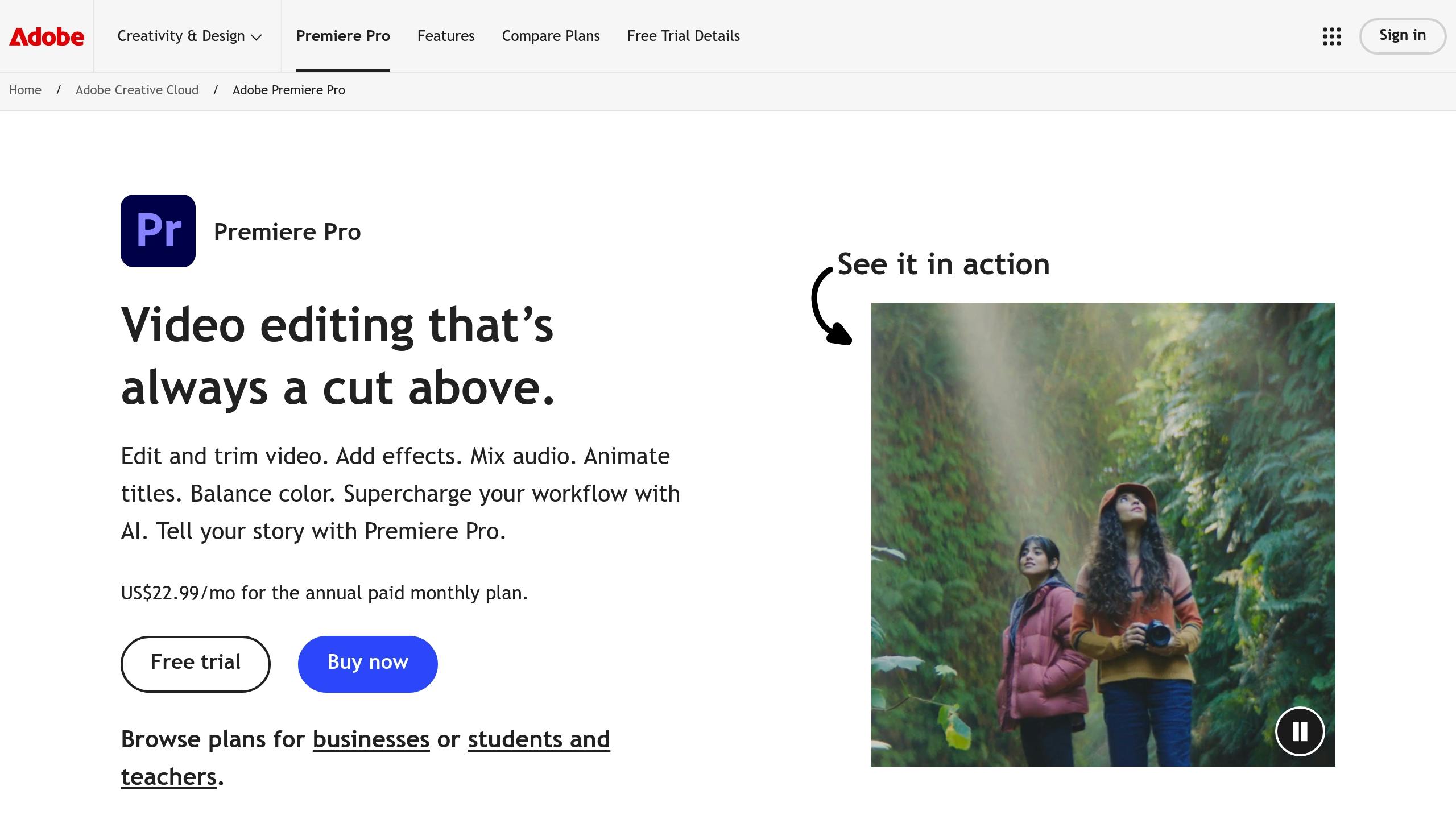
Adobe Premiere Pro is a staple in the industry, thanks to its seamless integration with Creative Cloud. Its subscription model ensures users get regular updates and access to the latest tools, making it a top choice for those who need cutting-edge features.
Some standout tools include advanced color grading, motion graphics templates, and multi-camera editing. Premiere Pro handles a wide range of video formats and resolutions, making it ideal for projects destined for different platforms and delivery requirements.
Final Cut Pro X
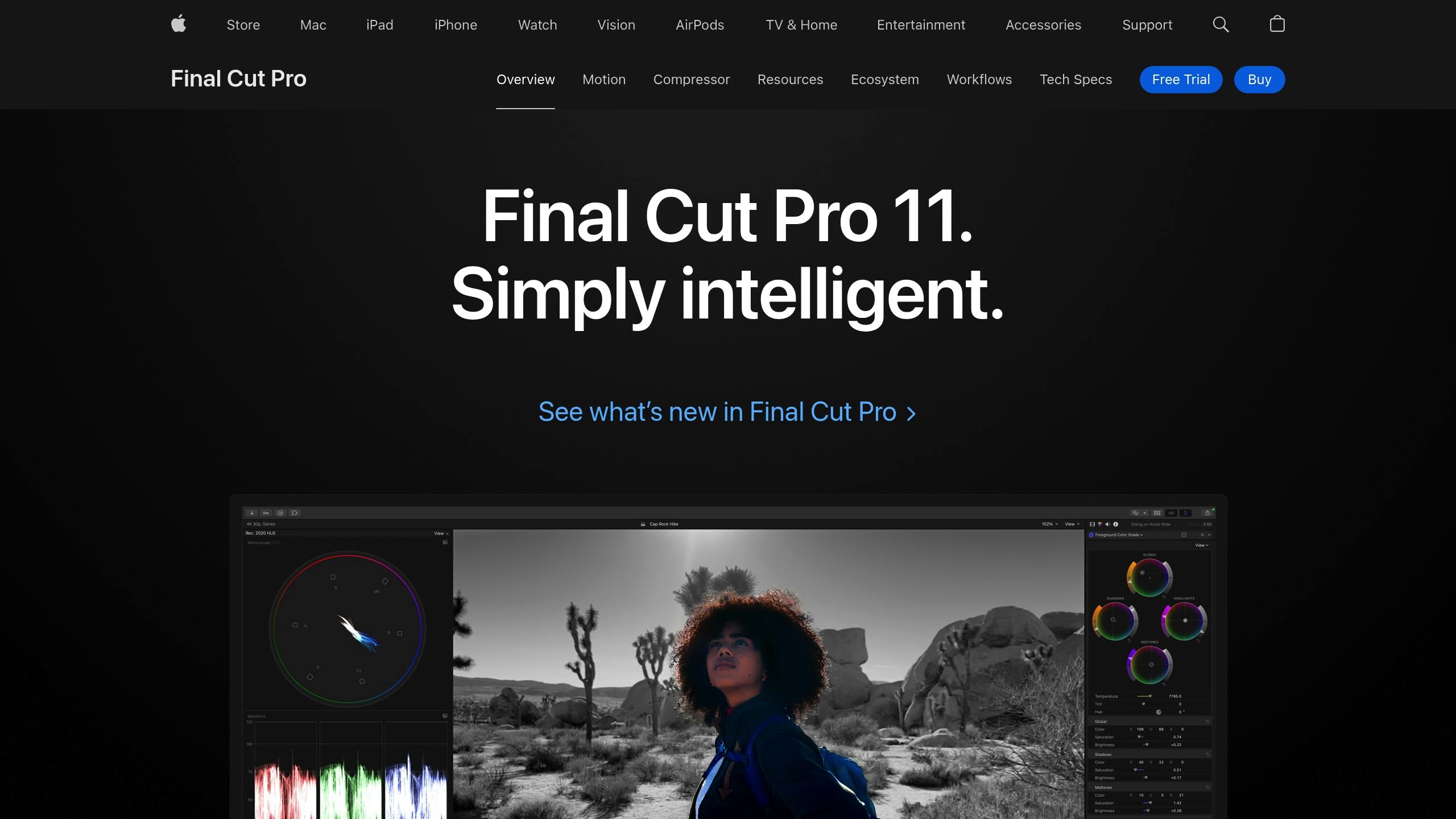
Designed specifically for Mac users, Final Cut Pro X takes full advantage of Apple’s hardware, including Apple Silicon. The magnetic timeline, HDR support, and advanced color grading tools make editing faster and deliver polished results.
Unlike subscription-based software, Final Cut Pro X is available for a one-time purchase, making it a great pick for those who prefer to avoid recurring fees.
DaVinci Resolve Studio
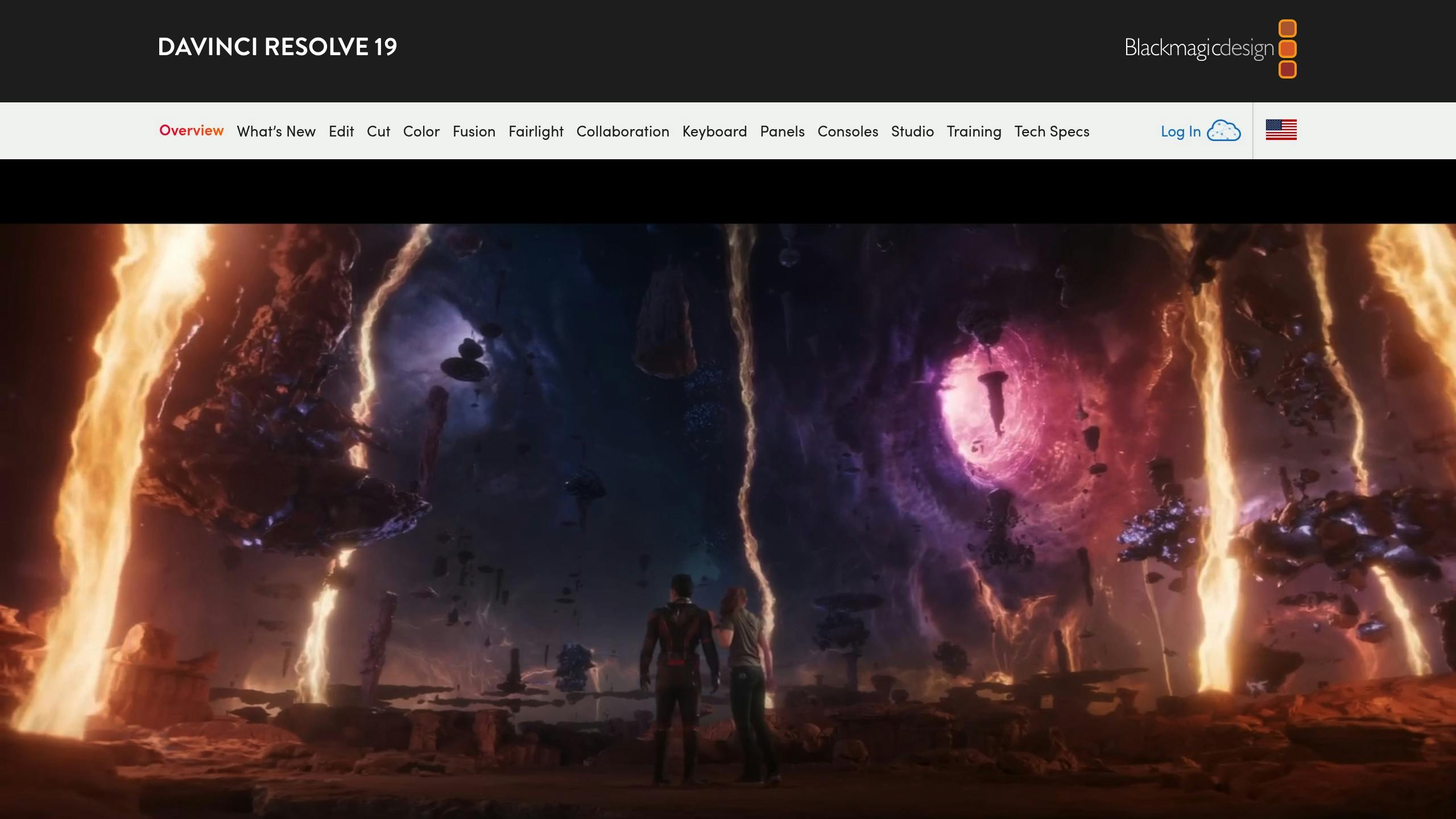
DaVinci Resolve Studio combines editing, color correction, visual effects, motion graphics, and audio post-production into one comprehensive tool. For $295, users get a lifetime license, offering great value for professionals.
“DaVinci Resolve is the world’s only solution that combines editing, color correction, visual effects, motion graphics and audio post production all in one software tool!” – Blackmagic Design
The software is divided into specialized “pages”, each designed for specific tasks:
| Page | Function | Key Features |
|---|---|---|
| Cut | Quick Edits | Streamlined interface for fast turnaround |
| Edit | Detailed Editing | Advanced timeline tools for complex projects |
| Color | Color Grading | Hollywood-level color correction tools |
| Fusion | VFX & Motion Graphics | Node-based workflow for creating effects |
| Fairlight | Audio Post-Production | Support for up to 2,000 audio tracks |
Key highlights of DaVinci Resolve Studio include:
- Emmy™ award-winning image processing technology
- AI-powered tools via the DaVinci Neural Engine
- Real-time team collaboration features
- Support for high-end formats, including resolutions beyond 4K
- Advanced noise reduction and film grain options
There’s also a free version available, which is an excellent starting point for new users. The Studio version unlocks professional-grade features like HDR grading, AI-powered tools, and support for 10-bit video at up to 120 fps with ultra-high resolutions.
Professional Graphic Design Tools
Graphic design tools today are built to meet the needs of creators, whether they’re working on brand assets, digital illustrations, or other visual projects. Let’s take a closer look at some of the top tools that help designers create polished, professional content.
Adobe Creative Suite
Adobe Creative Suite is often considered the go-to choice in the design industry. It includes three main applications:
| Application | Purpose | Key Features |
|---|---|---|
| Photoshop | Photo editing & digital art | Neural filters, advanced compositing, 3D tools |
| Illustrator | Vector graphics & logo design | Precise path editing, advanced typography, pattern creation |
| InDesign | Layout & publishing | Master pages, data merge, print-ready specifications |
Subscriptions start at $54.99 per month for individuals, offering updates and cloud storage. Teams can subscribe for $84.99 per user per month, which includes collaboration tools and enhanced asset management options.
Affinity Designer
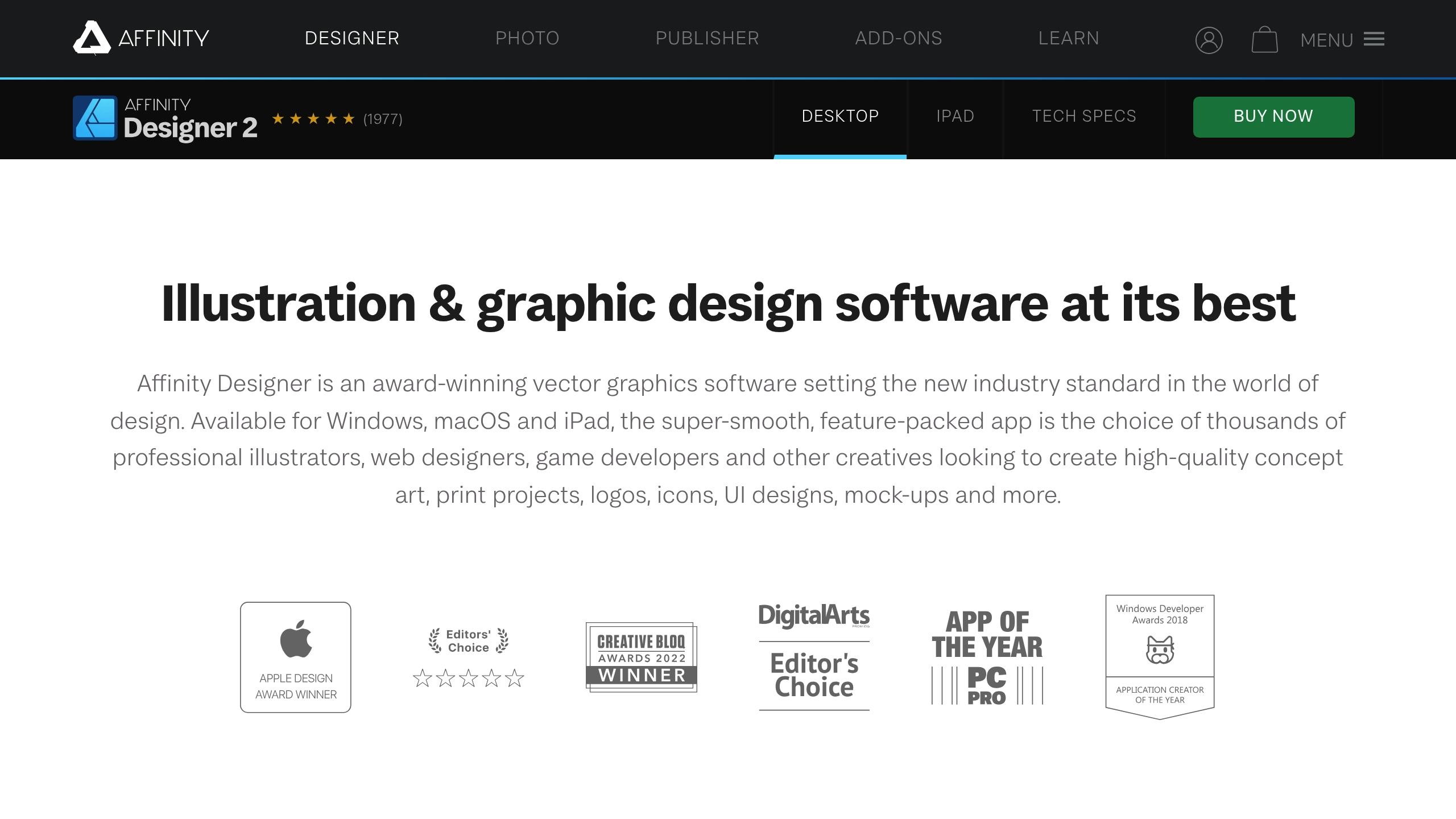
Affinity Designer is a one-time purchase at $69.99, making it a cost-effective option for professionals. It combines both vector and raster design tools in a single platform, simplifying multi-discipline projects.
Key features include:
- Real-time previews for effects and adjustments
- Advanced typography options with artistic text and text frames
- Professional color management, including PANTONE® support
- Unlimited artboards with customizable sizes
- Compatibility across desktop and iPad versions for seamless workflow
Sketch
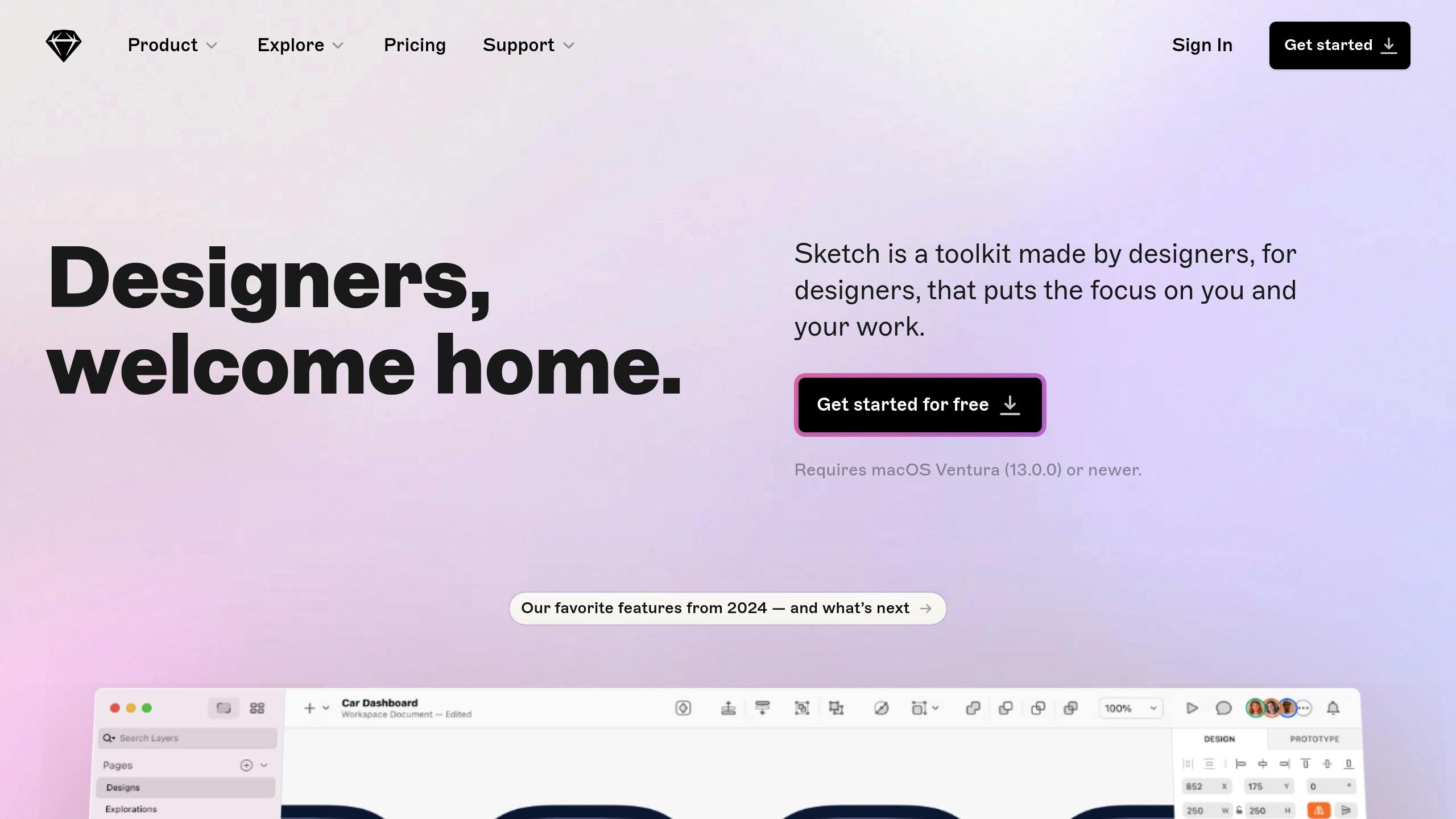
Sketch is tailored for digital design, especially UI/UX projects. It offers two pricing plans:
| Feature | Standard ($9/month) | Business ($20/month) |
|---|---|---|
| Workspace members | Up to 3 | Unlimited |
| Version history | 30 days | 90 days |
| Developer handoff | Basic | Advanced |
| Custom fonts | Limited | Unlimited |
| Team libraries | Yes | Yes, with advanced sharing |
Sketch allows real-time collaboration among multiple designers and includes prototyping tools for creating interactive mockups without coding. Its integration with design systems and symbol libraries is ideal for large projects. Plus, it runs natively on Mac, ensuring smooth performance even with complex designs.
sbb-itb-522d111
Professional Audio Production Tools
High-quality audio can make or break your content’s professional appeal. Below are some of the top tools used by audio professionals to create polished soundtracks.
Pro Tools
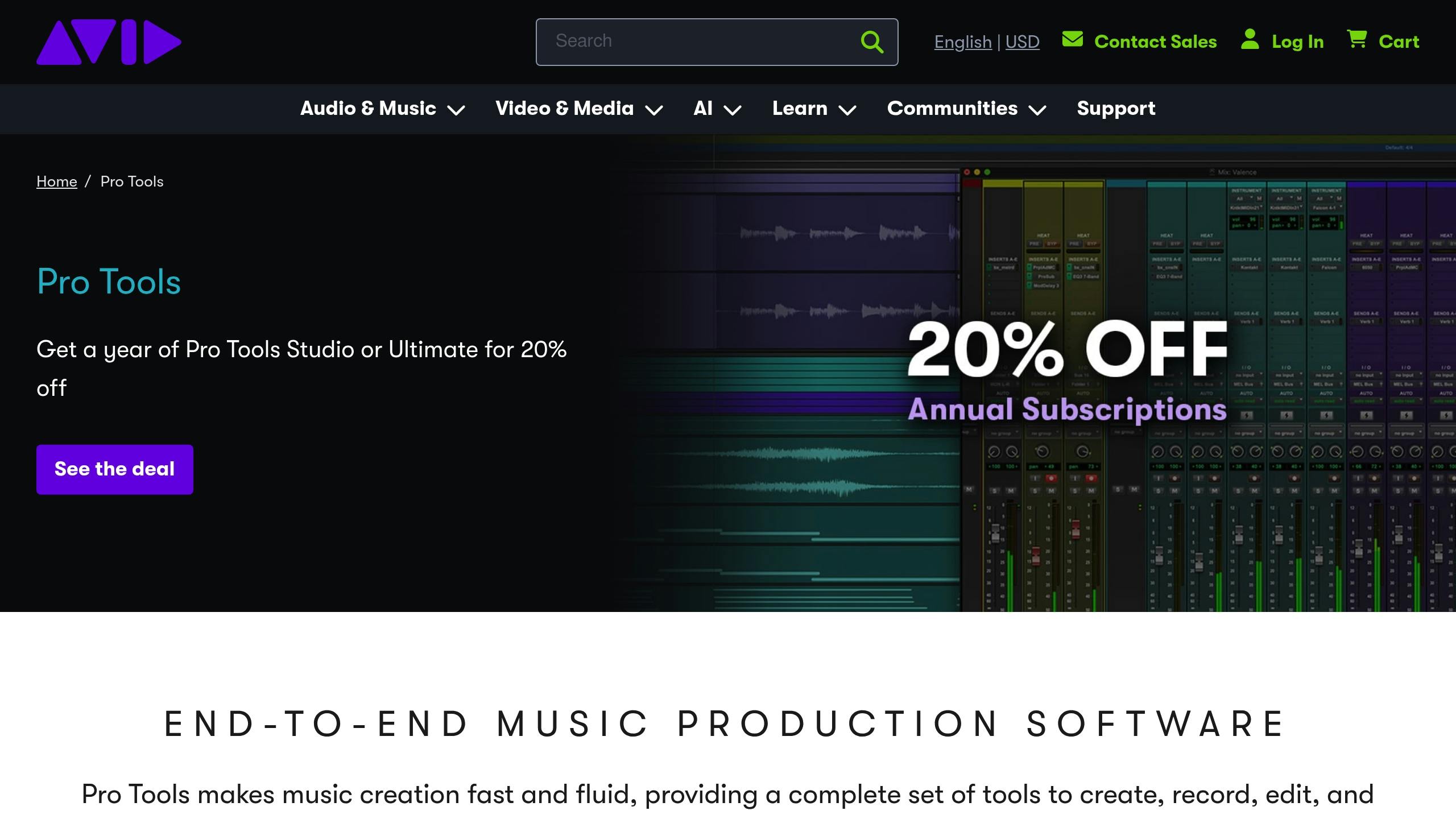
Pro Tools is widely regarded as the go-to software for audio production. It features advanced automation, seamless plugin integration, and Elastic Audio for precise timing adjustments. The Heat console emulation adds a rich, analog-like warmth to digital recordings, making it a favorite in studios worldwide.
Logic Pro X
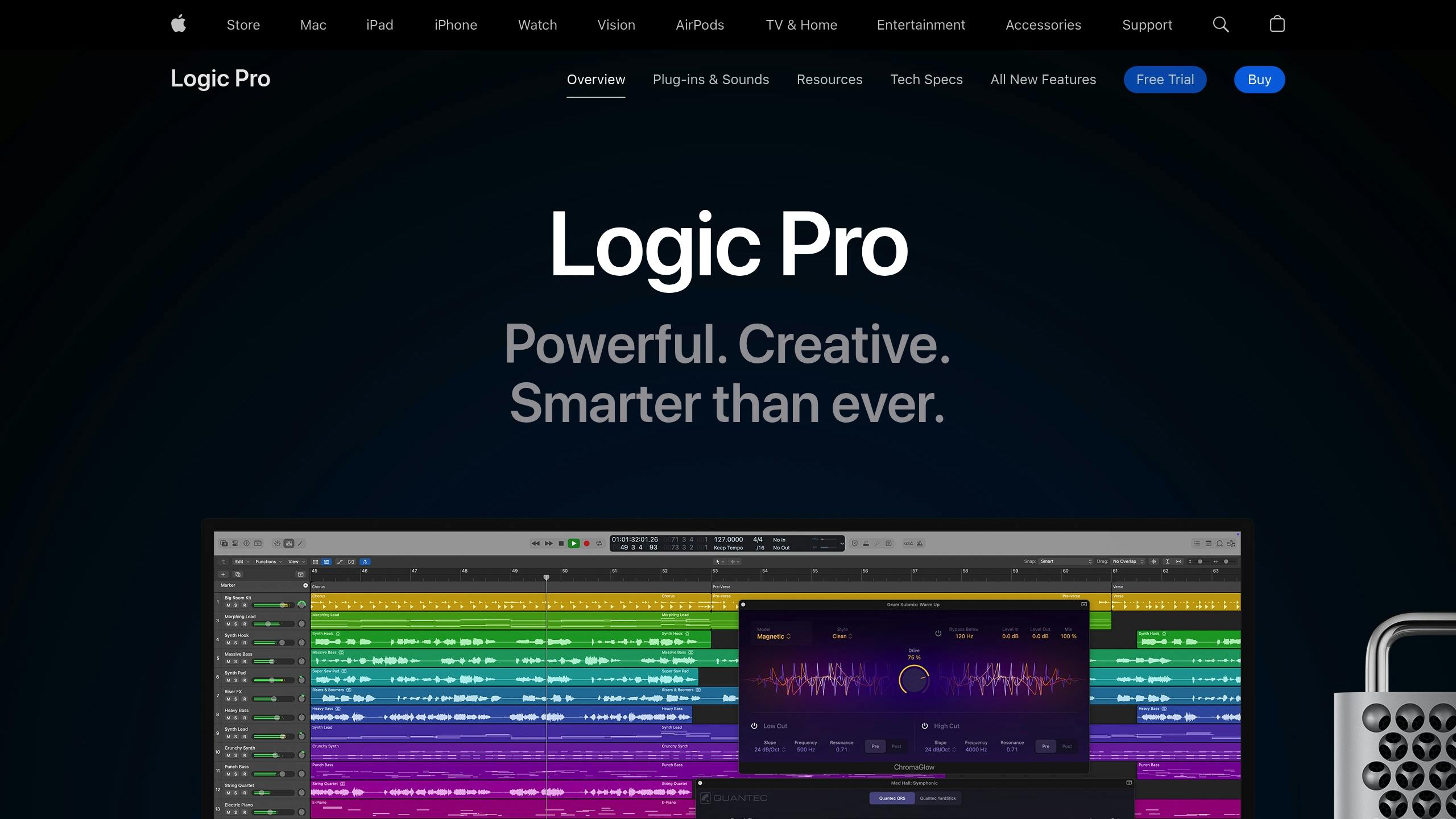
Designed specifically for Mac users, Logic Pro X is a one-time purchase packed with powerful features. It includes tools like Flex Time and Flex Pitch for detailed audio editing, virtual Drummer tracks for realistic session playback, and a massive library of royalty-free loops and samples. With Smart Tempo for MIDI editing, Live Loops for creative workflows, and optimization for Apple Silicon, it’s a comprehensive solution for music producers.
Ableton Live
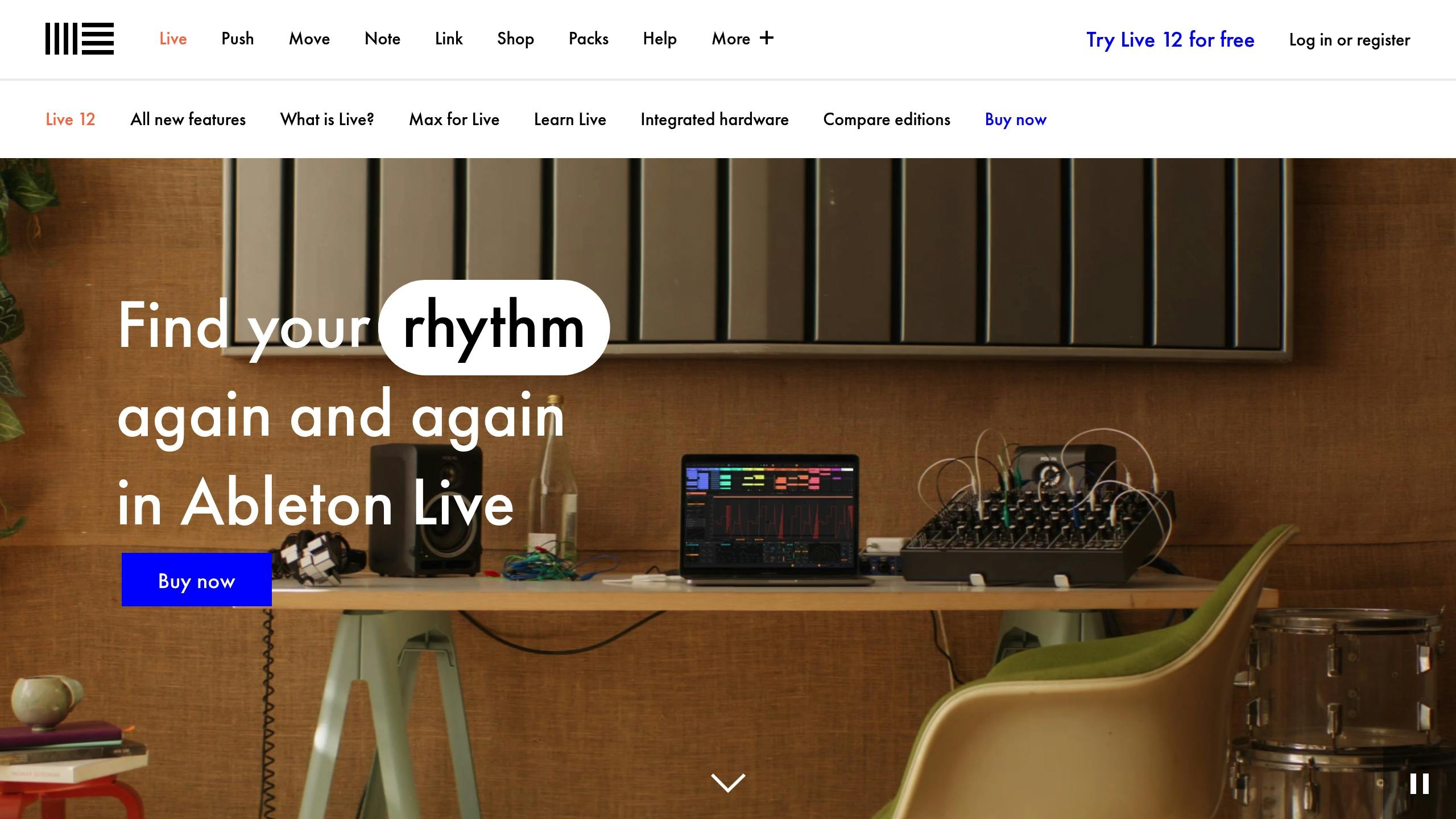
Ableton Live comes in three versions – Intro, Standard, and Suite – tailored to different needs. The Intro version offers basic tools, while Standard includes unlimited tracks and advanced audio warping. Suite goes further with Max for Live integration and a larger sound library. Known for its Session View, Ableton Live is ideal for electronic music and live performances. Its Capture MIDI feature and hardware integration make it a versatile choice for both experimental and traditional production styles.
Social Media Management Platforms
Managing your social media presence is essential for professional creators looking to maximize their content’s reach. The right tools can help with scheduling, analytics, and team collaboration. Here’s a look at three platforms that stand out for social media management needs.
Hootsuite
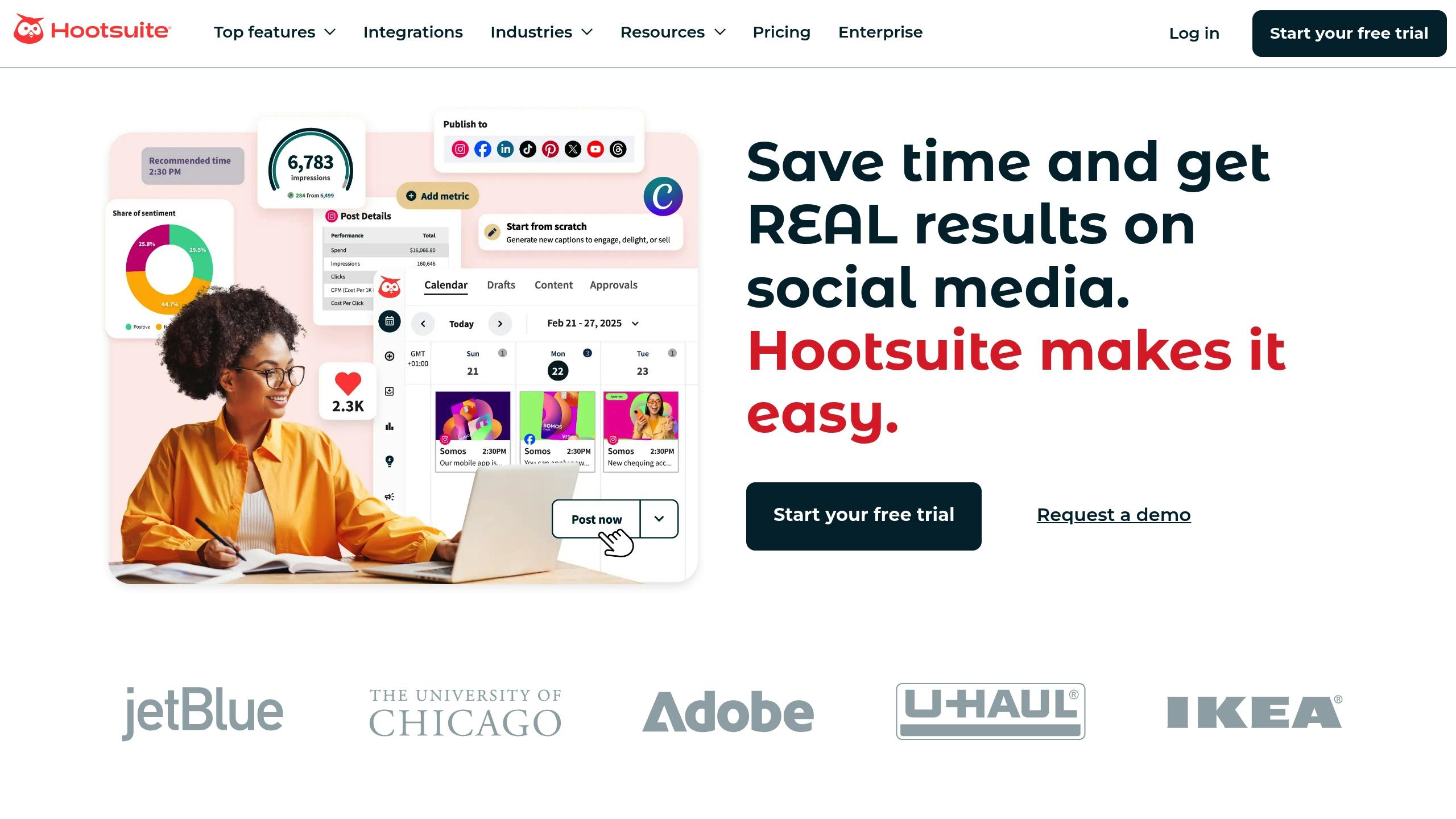
Hootsuite makes it easier to manage multiple social profiles with its user-friendly tools. Its visual calendar simplifies scheduling, while bulk upload options save time. The platform also offers detailed analytics, covering metrics like reach, engagement, and audience growth, alongside advanced reporting features for teams.
Key features include:
- Tools for real-time listening and sentiment tracking
- Workflow management with built-in approval processes
- RSS feed integration for content curation
- Customizable reporting templates
- Tools for managing social media advertising campaigns
Sprout Social
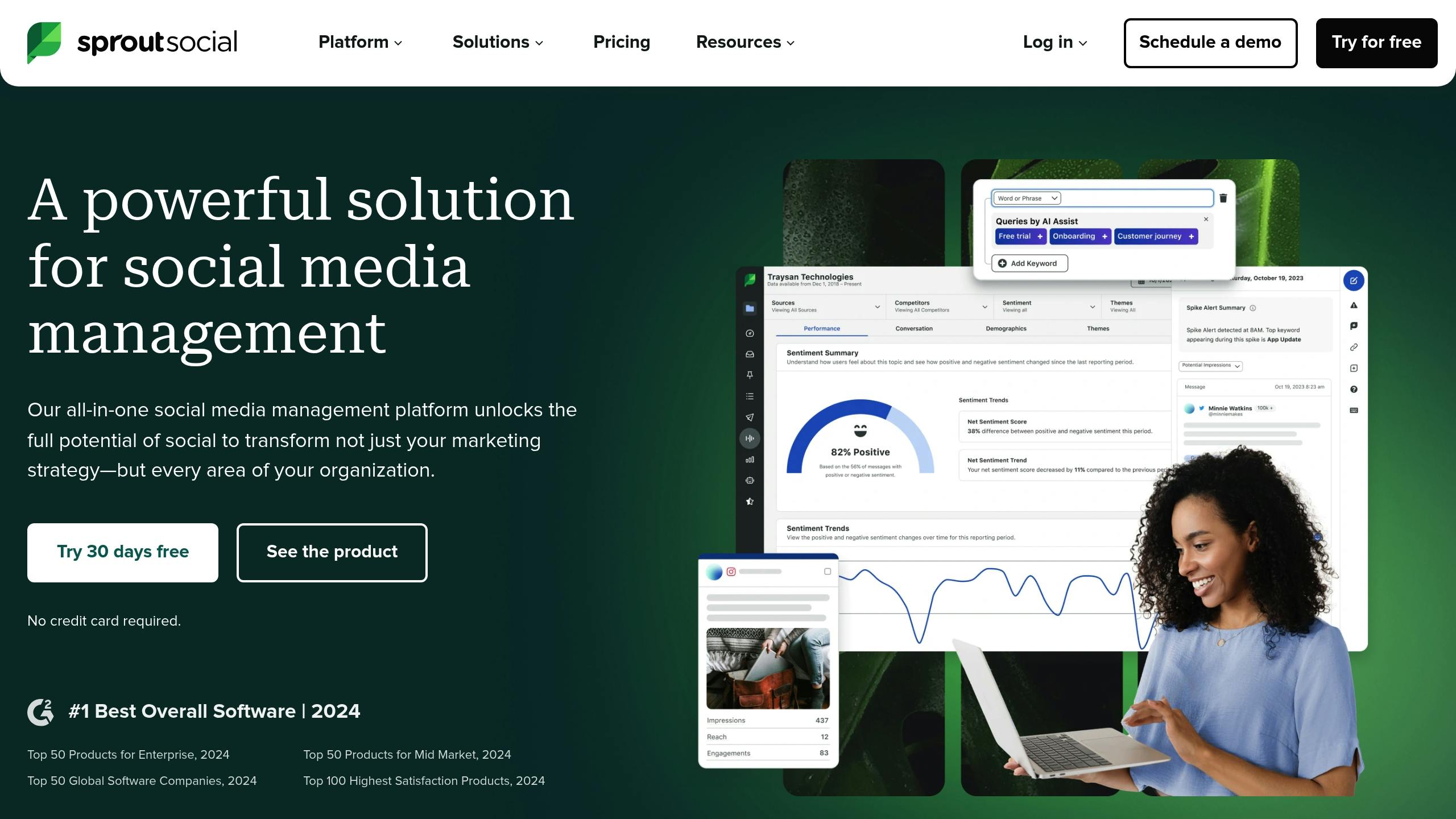
Sprout Social combines robust analytics with tools for community engagement. Its Smart Inbox centralizes all messages and interactions, making it easier to manage communications. The scheduling tool helps pinpoint the best times to post based on engagement trends.
Sprout Social offers multiple plan options:
- A standard plan with basic publishing and analytics tools
- A professional plan that includes competitor analysis and advanced reporting
- An advanced plan featuring custom workflows and automated response tools
CoSchedule
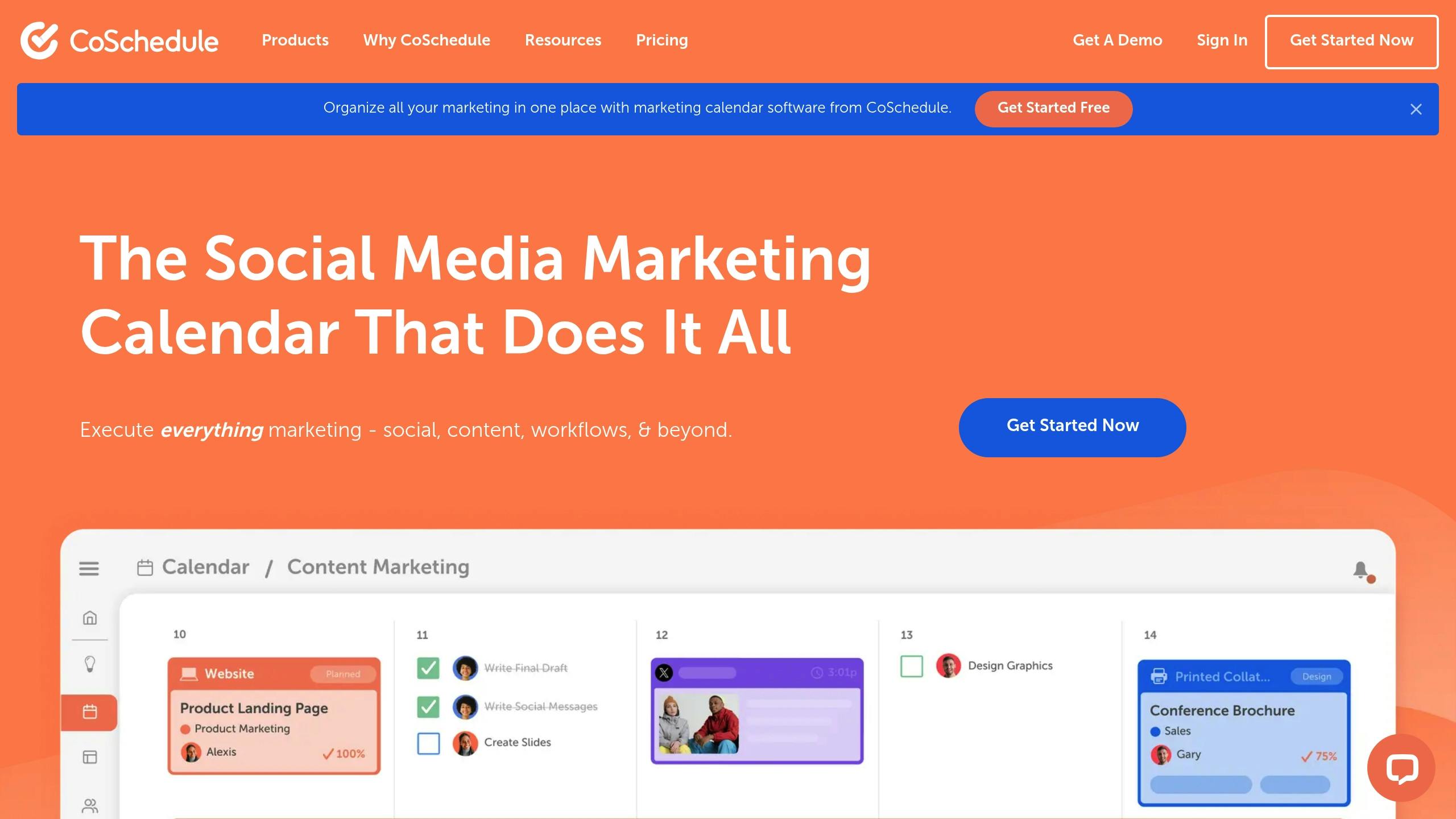
CoSchedule goes beyond traditional social media management by offering a full marketing suite. Its ReQueue feature automatically fills scheduling gaps with high-performing posts, ensuring consistent content distribution.
The Marketing Calendar provides:
- Simplified content planning
- Easy asset organization
- Integrated team scheduling
- Campaign tracking tools
- Custom templates for tasks
For creators juggling multiple content types, CoSchedule’s unified approach helps keep messaging consistent across platforms. Its flexible pricing adjusts to team size and required features, making it a scalable choice for growing teams.
Conclusion: Choosing the Right Tools for Growth
Spend wisely on tools that improve your workflow, expand your operations, and boost revenue. When considering paid tools for creators, focus on three main factors: efficiency, scalability, and profit potential.
Take a close look at your current workflow to identify areas where premium features could save time or resources. For example, automation tools can save hours each month, giving you more time to focus on creating content. Prioritize tools that bring clear benefits to your productivity and bottom line.
Practical budgeting tips for tool investments:
- Start with tools that are essential for your main content type.
- Opt for platforms that can grow with your needs, and consider annual billing discounts for better value.
- Account for any time or resources needed for training on new tools.
Review pricing options to ensure the tools provide value as your needs evolve. Compare the cost of the tool against the time or effort it saves. Use free trials or money-back guarantees to make sure a tool aligns with your workflow before committing.
Like any investment, it’s important to regularly review your tool lineup as your creative needs change. Some tools may become unnecessary, while others may need upgrades to handle increased workloads. This flexible approach ensures your tools continue to support your growth and goals in the ever-changing creator economy.
https://app.seobotai.com/banner/banner.js?id=67e4979410051fda3b6354a8
 Buzzpathy
Leave a comment