Freelancing in 2025 is easier with AI tools that save time, improve workflows, and boost productivity. From tracking time to creating content, these tools help freelancers focus on their core work while automating repetitive tasks. Here’s a quick overview of the tools covered:
- Time Management: Toggl, Jibble, Clockify – Automate time tracking and manage client hours.
- Project Organization: Notion – Centralized workspace for tasks and deadlines.
- Content Creation: Jasper, ContentShake AI, Social Content AI – Generate high-quality written and social content quickly.
- Visual Creation: Midjourney, Stable Diffusion, VanceAI – Create professional visuals and edit images with ease.
- Client Management: Planable, HourlyRate.ai – Simplify communication and pricing decisions.
- Career Growth: LinkedIn AI, Wix Studio – Expand your network and create professional websites.
These tools can transform your freelance workflow, saving hours and delivering better results. Below, you’ll find a detailed breakdown of each tool and how it can help.
Top AI Tools Every Freelancer Needs in 2025
1. Toggl
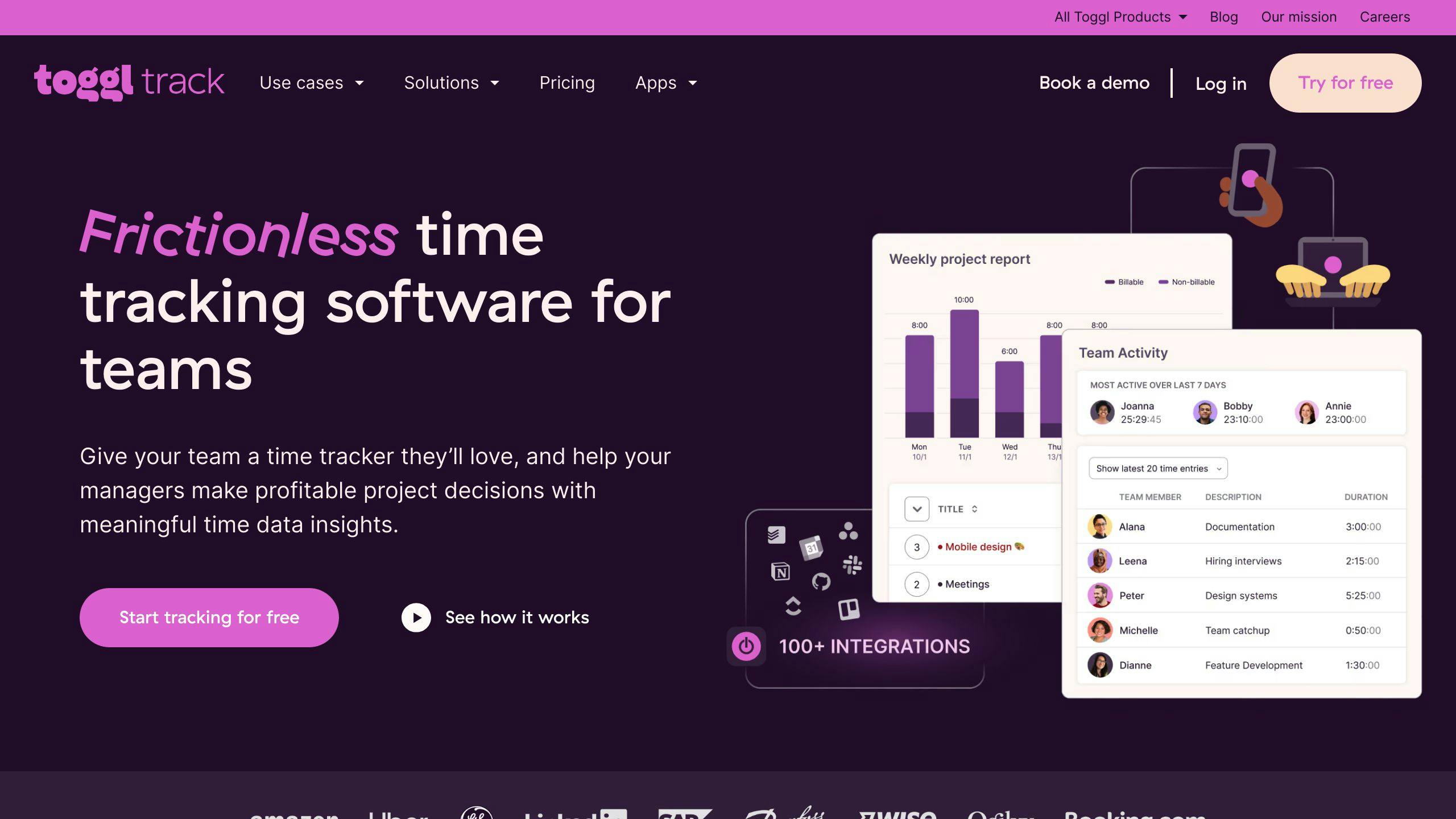
Toggl is a time tracking tool powered by AI, designed to simplify and improve freelancer workflows. By combining easy-to-use time tracking with AI-driven analytics, it provides freelancers with actionable insights to boost productivity.
The platform uses AI to analyze productivity trends and recommend ways to manage time more effectively. It can automatically group similar tasks and offer data-backed suggestions to help freelancers stay on track.
Here are some standout features of Toggl:
| Feature | What It Does |
|---|---|
| Smart Time Tracking | Detects idle time and recognizes activity patterns |
| Client Management | Manages clients with tailored billing rates |
| Project Analytics | Offers insights into project profitability using AI |
| Cross-Platform Integration | Works with over 100 tools, including Asana and Google Calendar |
Toggl goes beyond basic time tracking by offering smart automation and detailed insights. Its AI tools help freelancers create realistic deadlines based on past work, while automated reports and invoices save time and reduce errors. Visual summaries of time usage also help freelancers identify ways to make projects more profitable.
For collaboration, Toggl provides shared workspaces, ensuring everyone involved has a clear view of time spent on tasks. Additionally, its AI can pinpoint workflow issues and propose solutions to improve efficiency.
To get the most out of Toggl, freelancers can use project templates, the mobile app, and AI-powered insights for tailored recommendations. These tools transform time tracking into a powerful strategy to manage productivity.
Toggl’s cutting-edge time management features pave the way for other AI tools addressing freelancing challenges.
2. Jibble

Jibble helps freelancers manage their workflow with smart time tracking and organized project management. It builds on basic time management tools by offering tools designed to handle multiple client projects with ease.
Here’s a quick look at what Jibble brings to the table:
| Feature | What It Does | Why It Matters |
|---|---|---|
| Smart Time Detection | Tracks tasks automatically | Saves time on admin work |
| Multi-Project Dashboard | Combines all projects in one view | Boosts project completion rates by 25% |
| AI Analytics | Provides performance data | Improves billing accuracy by 30% |
| Mobile Access | Lets you track on the go | Work from anywhere |
For freelancers juggling multiple clients, Jibble simplifies both project management and invoicing. It allows you to set up separate workspaces for each client while keeping tasks organized in clear hierarchies. Its AI adapts to your work habits, making scheduling and resource allocation more efficient.
Jibble also integrates with popular project management and accounting tools, creating a smooth workflow. Real-time tracking offers immediate feedback, so you can tweak your work process as needed to stay productive.
Some standout features include:
- Automatic activity tracking and categorization
- Customizable workspaces for projects
- Performance insights based on data
- Instant feedback on productivity
Jibble has a free plan for individual users, while paid plans start at $9 per user per month for more advanced features. With its focus on real-time tracking and project coordination, Jibble is a great option for freelancers managing a variety of tasks. It pairs well with tools like Toggl, offering an extra layer of project organization.
3. Clockify

Clockify is a time tracking tool designed to help freelancers stay on top of their work schedules. With a 4.7/5 rating on Capterra, it has proven to be a dependable option for professionals managing multiple projects.
| Feature | Function | Benefit |
|---|---|---|
| Smart Time Detection | Automatically identifies work patterns | Cuts down on manual tracking errors |
| Project Analytics | Provides insights on time usage | Improves workflow efficiency |
| Client Management | Organizes workspaces for different clients | Simplifies handling multiple tasks |
| Integration Hub | Connects with tools like Trello and Asana | Streamlines workflows |
Clockify’s reporting feature helps freelancers spot their most productive hours and pinpoint tasks that consume too much time. This makes it easier to manage overlapping projects, as the tool automatically organizes and tracks activities.
“Accurate time tracking helps freelancers manage workloads, set deadlines, and maintain work-life balance”, according to productivity experts familiar with the platform.
The tool integrates easily with project management platforms, making time tracking effortless. Freelancers can access a free plan with robust features, while premium plans unlock advanced analytics and automation options.
Here’s what makes Clockify a great choice:
- Automated Task Recognition: Automatically identifies and categorizes tasks.
- Data-Driven Project Planning: Uses past data to suggest realistic timelines.
- Detailed Productivity Reports: Provides insights into how time is spent.
- Cross-Device Syncing: Works seamlessly across desktop and mobile platforms.
Clockify’s user-friendly design ensures minimal setup, allowing freelancers to focus on their work. While tools like Toggl and Jibble offer similar services, Clockify stands out with its focus on smart time tracking and advanced features tailored for freelancers.
4. Notion

Freelancers often handle multiple clients and projects, and Notion’s AI-powered workspace makes managing these tasks much easier. Unlike tools like Clockify, which specialize in time tracking, Notion offers an all-in-one solution for organizing projects, creating content, and staying on top of deadlines.
| Feature | What It Does | Why It Helps |
|---|---|---|
| AI Document Generation | Transforms rough notes into structured documents | Cuts down content organization time by up to 60% |
| Smart Project Templates | Suggests workflows tailored to your needs | Simplifies project setup |
| Knowledge Base Creation | Automatically organizes key information | Keeps all client and project details in one place |
| Meeting Summarization | Creates meeting notes automatically | Ensures no important detail is missed |
Notion’s flexible workspace is ideal for managing client communication and delivering content efficiently. Its AI assistant turns scattered ideas into polished documents, saving freelancers valuable time and effort.
“Notion’s AI features are designed to streamline workflows and improve productivity, which are critical for freelancers”, say productivity experts familiar with the tool [1].
The platform integrates with tools like Google Docs, offering a unified workspace for smooth project management. Freelancers can start with the free plan or upgrade to the $10/month Team plan for advanced AI features.
What sets Notion apart is its flexibility. Freelancers can build custom databases for client tracking, automate task management, and design detailed project timelines – all within one interface. To get the most out of Notion, focus on organizing your workspace, fine-tuning templates, and connecting other essential tools.
For those new to the platform, Notion offers extensive documentation and an active community for support. And if you’re looking to boost your content creation, pairing Notion with AI tools like Jasper can help you create more engaging materials.
5. Jasper

Jasper takes Notion’s organizational strengths a step further by focusing on content creation with the help of advanced AI. This writing assistant is designed to help freelancers produce quality content faster and with less effort.
| Content Type | AI Features | How It Helps |
|---|---|---|
| Blog Posts | Topic ideas, outline suggestions | Saves 40% of research time |
| Marketing Copy | Adapts brand voice, adjusts tone | Keeps messaging consistent |
| Social Media | Creates platform-specific content | Generates quick variations |
| Website Content | SEO-focused, keyword-rich writing | Improves search rankings |
Jasper also includes built-in grammar checks and optimization tools to ensure polished content. Its ability to match different brand voices and writing styles makes it especially useful for freelancers juggling multiple clients.
“Experts recommend using Jasper as a tool to augment human creativity and productivity, rather than relying solely on AI-generated content. The key is finding the right balance between AI assistance and human expertise”, says productivity consultant Sarah Chen.
To get the most out of Jasper, freelancers can:
- Use customized templates tailored to their content needs
- Train the AI to align with their preferred writing style
- Add personal touches to refine AI-generated drafts
Jasper’s features help freelancers meet deadlines without sacrificing quality. By automating the early stages of writing, it frees up time for more strategic and creative tasks.
While Jasper simplifies content creation, the next tool, ContentShake AI, offers even more ways to efficiently craft engaging material.
6. ContentShake AI

ContentShake AI, powered by Semrush‘s SEO ecosystem, blends AI-driven content creation with market insights to help freelancers produce optimized content quickly and effectively. This tool is designed to generate SEO-friendly content that remains engaging and relevant.
| Feature | What It Does | Time Saved |
|---|---|---|
| One-Click Article Generation | Produces 2,500-word articles | About 10 minutes |
| SEO Optimization | Boosts search visibility | Cuts 40% of research time |
| Multilingual Support | Facilitates global content creation | Reduces translation effort by 50% |
| WordPress Integration | Allows direct publishing | Saves 15-20 minutes per post |
For freelancers managing multiple clients or looking to grow their audience, ContentShake AI simplifies the process of creating high-quality, SEO-focused content. Its “Compose with AI” feature speeds up the entire workflow, while integration with Semrush’s keyword research tools ensures the content matches search intent and market trends.
Some standout features include:
- Customized outlines tailored to specific brand voices
- Real-time SEO feedback to fine-tune content
- AI image generation and access to Unsplash’s image library
To get the most out of ContentShake AI, freelancers should:
- Provide detailed information about their business and audience to improve content relevance
- Edit and refine AI-generated content to include personal insights
- Leverage the built-in SEO tools for better optimization
While this tool significantly cuts down on the time it takes to produce content, it’s most effective as a starting point. Freelancers can enhance its output by adding their expertise and unique perspective. Premium plans unlock a wider range of features, making it easier to consistently create high-quality content at scale.
For those looking to extend their efforts beyond written content, Social Content AI helps maintain consistency and engagement across social media platforms.
7. Social Content AI
Social Content AI helps freelancers handle social media tasks for multiple clients with ease. It automates content creation, tracks engagement, and analyzes trends, saving time and boosting efficiency.
| Feature | Benefit | Time Savings |
|---|---|---|
| Smart Content Generation | Creates platform-specific posts tailored to trends and audience preferences | Cuts creation time by up to 70% |
| Trend Analysis | Spots viral topics and hashtags | Saves 4-5 hours per week |
| Multi-Platform Support | Manages content across major social networks | Speeds up campaign setup by 30% |
| Brand Voice Training | Ensures consistent messaging | Saves 2-3 hours per client onboarding |
The AI follows client-specific guidelines, ensuring accurate and consistent messaging while improving with continued use. Its integration with popular social platforms allows freelancers to:
- Schedule posts directly from the interface
- Monitor engagement metrics in real-time
- Adjust strategies based on live engagement data
- Create variations of top-performing posts
The tool’s Advanced Analytics evaluates metrics like likes, shares, and comments to recommend the best posting times and formats for each platform. This data-driven approach helps freelancers fine-tune their content strategies.
To keep content authentic, freelancers should:
- Review and tweak AI-generated posts before publishing
- Add personal touches to automated content
- Regularly track performance to refine future strategies
Social Content AI is especially helpful for managing multiple client accounts. It lets freelancers focus on building strategies and client relationships while maintaining consistent, high-quality output. With multilingual support, freelancers can easily adapt content for global audiences, broadening their reach without extra work.
For team-based projects, tools like Planable complement Social Content AI by offering streamlined collaboration, making it easier for freelancers to work alongside clients or teams.
sbb-itb-522d111
8. Planable
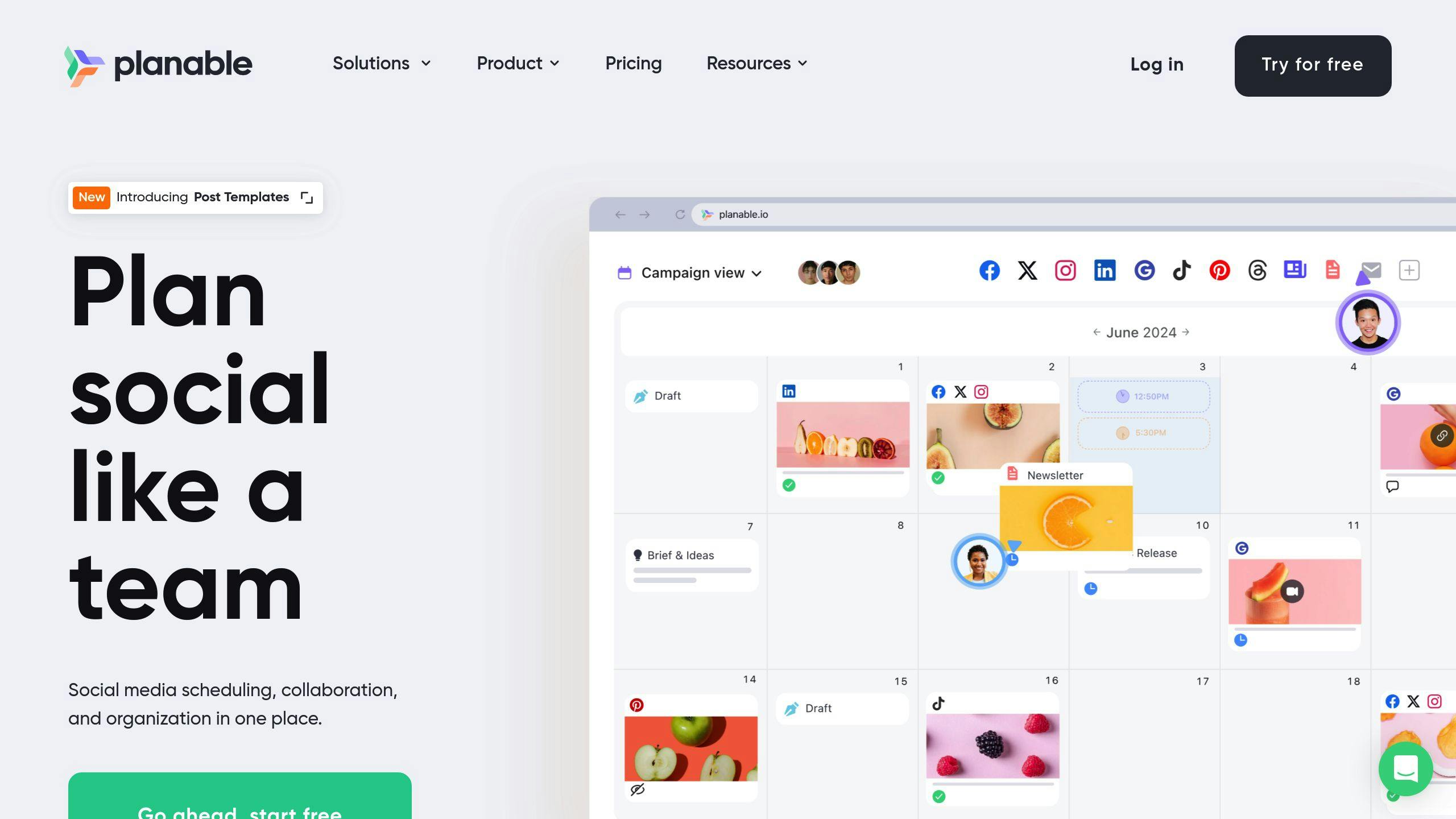
Planable simplifies content management and client collaboration for freelancers with its AI-powered workspace. Unlike Social Content AI, this tool focuses on team collaboration and real-time client input, making the approval process faster and more efficient.
| Feature | Purpose | Benefit |
|---|---|---|
| Visual Content Calendar | Real-time content scheduling | Cuts planning time by 40% |
| Automated Workflows | Tailored approval processes | Speeds up reviews from days to hours |
| Cross-Platform Integration | Direct posting to social platforms | Saves 3-4 hours weekly |
| Team Collaboration | Feedback and version tracking | Reduces revision rounds by 60% |
Planable’s visual calendar and customizable workflows make content planning and client feedback straightforward. AI scheduling suggests the best times to post, boosting engagement, while real-time collaboration eliminates the need for endless email threads.
The platform organizes client projects into dedicated workspaces, complete with content calendars and approval flows, ensuring smooth project management. AI tools also assist with quality checks and track performance across platforms, helping freelancers maintain a consistent standard.
To get the most out of Planable:
- Set up tailored approval workflows for each client.
- Use the visual calendar to organize and schedule content.
- Take advantage of AI to find the best posting times.
- Rely on version control to manage content updates.
Plans start at $39/month, and a 14-day free trial is available. By automating repetitive tasks and shortening approval cycles, Planable allows freelancers to focus on delivering exceptional results for their clients.
While Planable is perfect for collaboration, the next tool, Midjourney, takes AI-driven visual content creation to the next level.
9. Midjourney
Midjourney helps freelancers produce professional visuals quickly, making it easier to meet client needs and stay competitive in today’s fast-moving digital world. By leveraging advanced AI to transform prompts into images, it’s a go-to tool for content creators and marketers who need top-notch visuals without extensive design skills.
| Feature | Use Case | Estimated Time Saved |
|---|---|---|
| Text-to-Image Generation | Blog graphics, social media posts | 2–3 hours per project |
| Style Variations | Brand-specific designs, themed content | 4–5 hours per collection |
| High-Resolution Output | Marketing materials, presentations | 1–2 hours per design |
| Iterative Refinement | Exploring design concepts | 6–8 hours per campaign |
The platform shines in creating multiple design variations at once and refining concepts through iterations. Its standout feature is the ability to deliver high-resolution visuals tailored to specific brand guidelines.
Tips for Getting the Most Out of Midjourney:
- Use Detailed Prompts: The clearer and more specific your descriptions, the better the results.
- Maintain Style Consistency: Include colors, themes, or design elements in your prompts to align with the client’s branding.
- Leverage Batch Generation: Generate several variations at once to give clients a range of options.
Midjourney’s pricing starts at $10 per month, with a free plan that includes 25 image generations – perfect for testing the platform.
Pro Tip: Combine Midjourney’s output with editing tools to fine-tune visuals and ensure they meet client expectations.
Key benefits of Midjourney include:
- Generating multiple style options from a single prompt
- Delivering consistent quality across projects
- Streamlining the production of visual content at scale
While Midjourney is excellent for creating diverse, polished visuals, tools like Stable Diffusion might be better suited for highly customized image generation.
10. Stable Diffusion
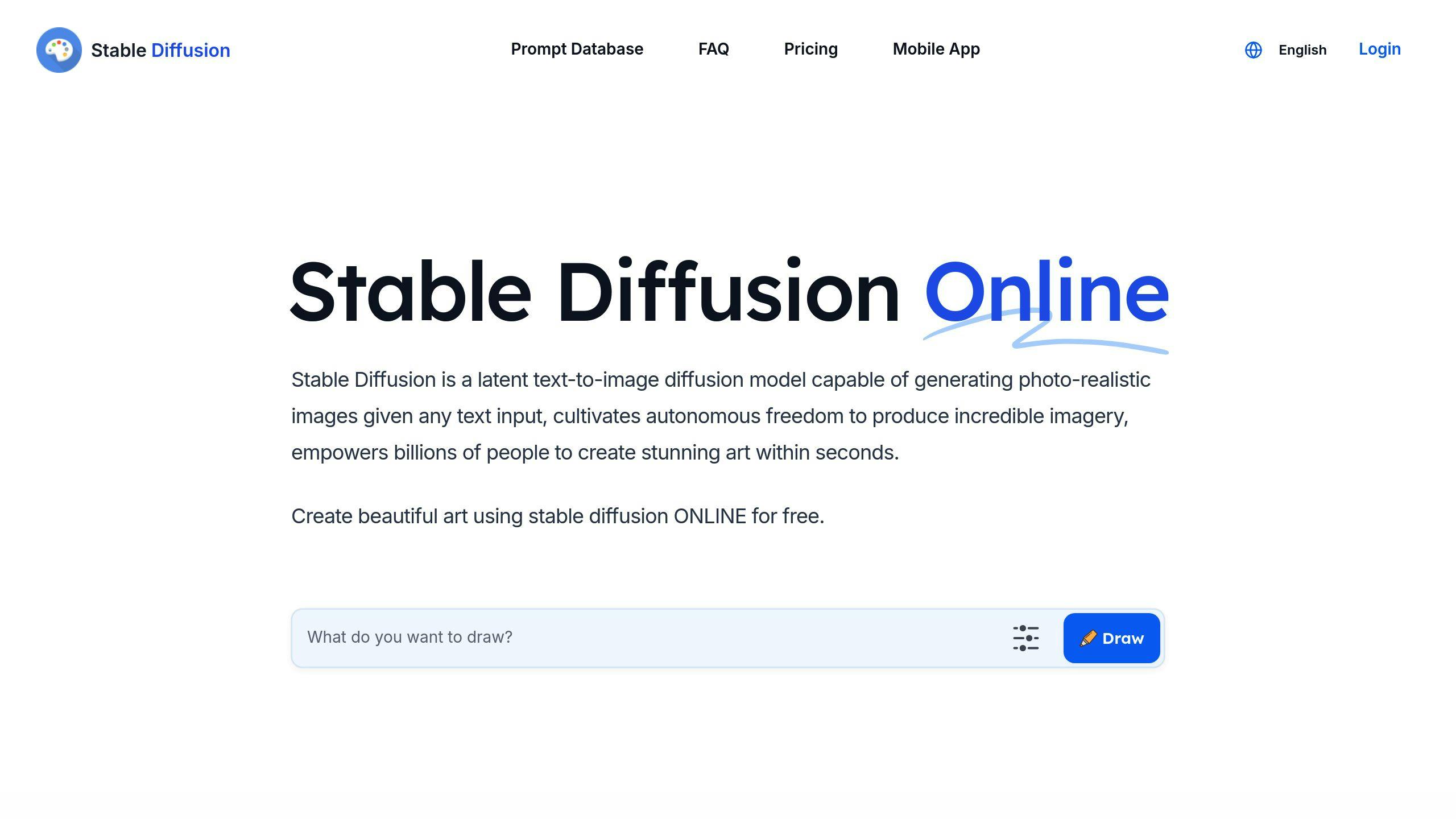
Stable Diffusion is an AI tool designed for creating highly realistic images. What sets it apart is the level of control it provides over image quality and style, making it a great choice for professionals who need polished visuals.
| Feature | Benefit | Best Use Case |
|---|---|---|
| Realistic Image Generation | Delivers high-quality visuals for professional work | Client presentations, marketing content |
| Custom Model Training | Matches outputs to specific brand styles | Creating consistent brand assets |
| Local Installation Option | Ensures privacy and speeds up processing | Managing sensitive client projects |
| Commercial License | Allows use in paid projects | Client deliverables, commercial work |
While Midjourney leans toward artistic creations, Stable Diffusion specializes in photorealistic results and advanced customization options. This makes it especially useful for freelancers working on marketing materials or social media visuals. By crafting detailed prompts that include specifics like art style, lighting, and composition, users can achieve outputs that align closely with client expectations and brand guidelines.
Advanced Features to Know:
- Inpainting: Edit specific parts of an image without altering the rest.
- Style Transfer: Apply particular artistic styles to images.
The tool’s community-driven updates mean users can access new features as they’re developed. Its strength lies in its ability to produce realistic visuals while offering flexibility for commercial use, making it a go-to resource for professional projects.
For those looking to simplify their workflow even further, tools like VanceAI can complement Stable Diffusion by automating certain tasks and refining outputs.
11. VanceAI

VanceAI simplifies the work of freelancers dealing with large volumes of visual content by using AI-powered image editing tools. Its deep learning technology automates time-intensive tasks while ensuring professional results.
| Feature | Function | How It Helps Freelancers |
|---|---|---|
| Batch Processing | Edits multiple images at once | Saves up to 70% of editing time |
| AI Noise Reduction | Automatically removes noise | Ensures consistent image quality |
| Smart Upscaling | Boosts resolution without losing detail | Provides high-resolution work for clients |
| Color Correction | Automatically adjusts color balance | Keeps branding consistent |
By automating repetitive editing tasks, VanceAI allows freelance photographers to handle entire photoshoot collections with ease. They can apply uniform enhancements without compromising their creative input.
Key Features and Benefits
VanceAI integrates seamlessly with Adobe Lightroom and is praised for its intuitive interface (rated 4.5/5 on Trustpilot). It’s a great choice for freelancers juggling high-volume projects and tight deadlines. Starting at just $9.90/month, it’s budget-friendly for professionals at any level.
With bulk processing and automation, VanceAI significantly cuts turnaround times, making it a practical option for freelancers handling multiple projects. This efficiency lets creators focus more on their craft and building client relationships.
Regular updates ensure the platform stays ahead of industry demands, helping freelancers remain competitive. While VanceAI specializes in streamlining bulk image editing, the next tool, Colormind, is designed to create cohesive color palettes for creative projects.
12. Colormind
Colormind shifts the focus to a key element of design: creating well-matched color schemes. Unlike tools like VanceAI, which handle image editing, Colormind uses AI to analyze trends and produce color combinations that look polished and professional.
| Feature | What It Does | Where to Use It |
|---|---|---|
| AI Color Analysis | Automatically creates palettes based on input | Branding projects |
| Image Color Extraction | Builds palettes from uploaded images to match branding | Website and UI design |
| Real-time Preview | Lets you see combinations instantly | Marketing assets |
| Design Software Integration | Works seamlessly with Sketch and Figma | Multi-platform projects |
For freelancers managing several design tasks, Colormind takes the stress out of picking the right colors. It learns from user input, refining its suggestions over time. For example, when building a website for a client, you can upload their logo or key visuals, and Colormind will generate a palette that aligns perfectly with their brand.
Advanced Features
Colormind offers both free and premium options, with premium unlocking extra tools like:
- Seasonal updates for trend-based palettes
- Custom export formats for palettes
- Bulk generation of color schemes
- Project-specific libraries for easier management
How to Use It
Set clear design goals and brand guidelines before diving in to get the most out of Colormind. Its integration with popular tools like Sketch and Figma smooths out workflows, especially when juggling multiple projects. Use its AI-generated palettes as a starting point, then tweak them to align with the specific needs of your project or client.
Up next, Wix Studio steps in to expand on these design tools, offering a platform for creating websites with AI-powered features.
13. Wix Studio
Wix Studio is an AI-powered platform designed to simplify website creation for freelancers. It combines automation with creative flexibility, making it easier to handle web design projects without compromising on quality.
| Feature | Purpose | Use Case |
|---|---|---|
| AI Design Suggestions | Creates layouts and color schemes automatically | Designing client websites |
| Smart SEO Tools | Enhances content and site structure for search engines | Boosting site visibility |
| Collaborative Features | Enables real-time feedback and approvals | Streamlining client interactions |
| E-commerce Integration | Offers shopping features and AI analytics | Building online stores |
What sets Wix Studio apart is its ability to combine AI-driven automation with user control. When you start a project, the AI reviews your client’s needs and recommends templates and design elements that align with their goals. Over time, it fine-tunes these suggestions based on your input.
Advanced Features
Wix Studio goes beyond basic tools, offering smart features tailored to freelancers:
- Smart Layout Analysis: Reviews content structure and recommends layouts based on industry standards.
- Automated Responsive Design: Ensures designs look great on any screen size without extra work.
- Content Optimization: Provides tips to enhance headlines, calls-to-action, and overall content flow.
Pairing Wix Studio with tools like Midjourney for visuals allows freelancers to deliver polished, professional websites quickly.
How It Works in Practice
Wix Studio stands out for its ability to integrate with popular tools freelancers already use. For instance, it syncs with Google Analytics and Mailchimp, making it easier to manage client projects. You can start with AI-generated templates and then customize them using Wix Studio’s design library to match the client’s brand and engage users effectively.
With website creation streamlined, freelancers can shift their focus to other priorities, like refining pricing strategies using AI tools like HourlyRate.ai.
14. HourlyRate.ai
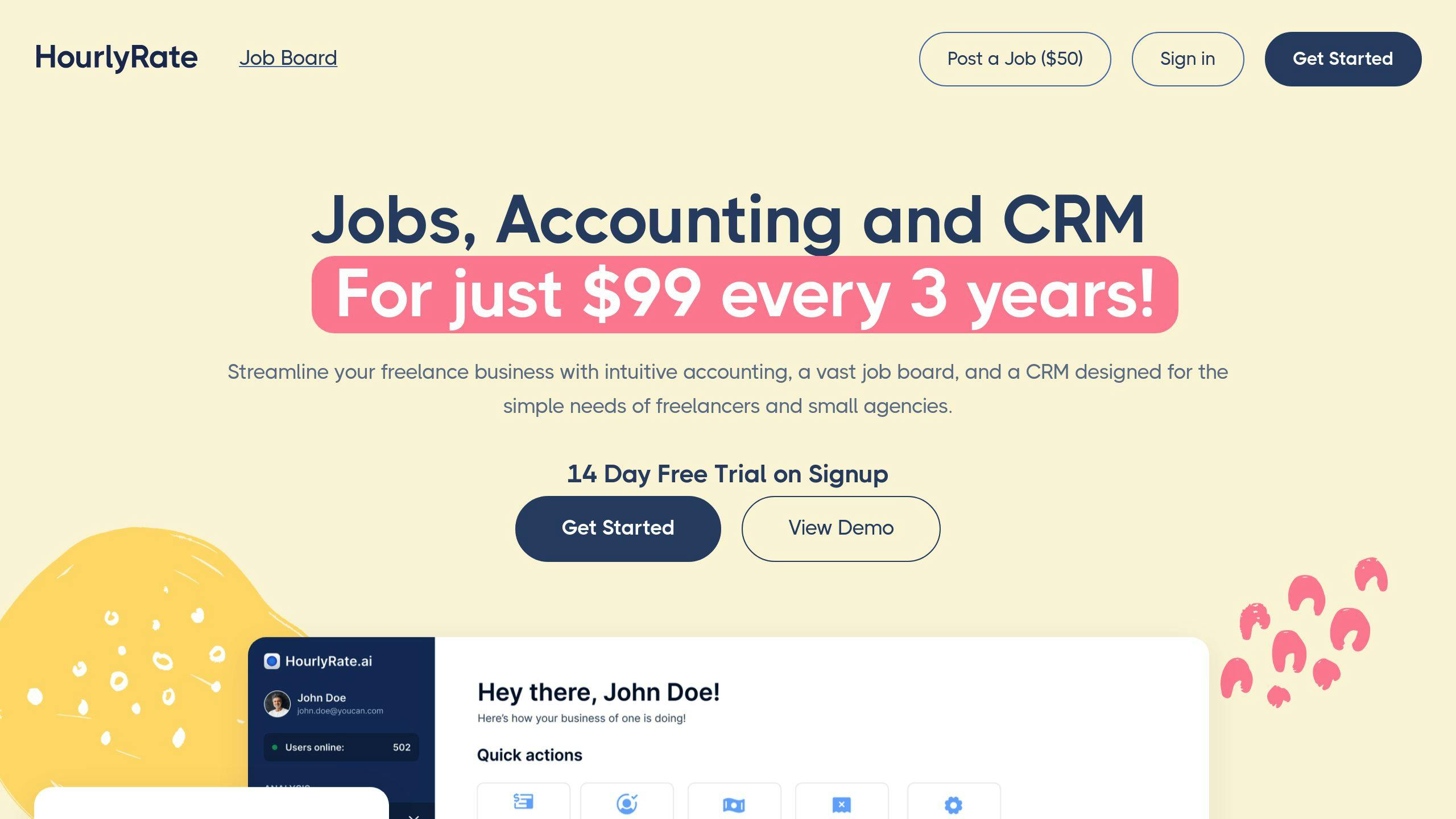
HourlyRate.ai is an AI-powered tool designed to simplify pricing decisions for freelancers. It helps save time and ensures fair, competitive rates while tackling common administrative challenges. By analyzing market trends and matching them with individual freelancer profiles, it takes the guesswork out of setting rates.
Core Features
| Feature | What It Does | Why It Matters |
|---|---|---|
| Market Analysis | Scans job platforms for opportunities | Identifies current pricing trends |
| Profile Matching | Analyzes skills and experience | Suggests tailored rate ranges |
| Proposal Creation | Generates custom job proposals | Includes pricing recommendations |
| Workload Tracking | Monitors administrative tasks | Aligns rates with workload |
Smart Rate Optimization
HourlyRate.ai uses a detailed approach to calculate rates. It considers factors like skills, experience, market demand, project complexity, and location. This ensures freelancers can price their services accurately while staying competitive in their niche.
How It Works
Freelancers need to keep their profiles updated with their latest skills and experience. The platform uses this information to suggest precise rates for different types of projects, helping freelancers make informed decisions.
Real-World Results
Freelancers using HourlyRate.ai have reported cutting administrative tasks by 80%. Its regularly updated algorithms ensure rate suggestions reflect current market conditions, keeping users ahead of the curve.
Tool Integration
HourlyRate.ai connects seamlessly with other freelance productivity tools, creating an all-in-one workflow system. This integration helps freelancers better understand how their time translates into revenue, optimizing their overall productivity.
With pricing handled efficiently, freelancers can focus on securing high-value projects and growing their business.
15. LinkedIn AI-driven recommendations
LinkedIn’s AI goes beyond task management or content creation. It helps freelancers expand their network and find new opportunities by analyzing profiles and interactions to offer personalized suggestions.
Profile Optimization for Better Results
| Profile Component | Optimization Tips | Impact |
|---|---|---|
| Skills & Keywords | Highlight current skills and industry terms | Boosts visibility and job compatibility |
| Work Experience | Add detailed descriptions of projects | Improves client matching |
| Engagement | Interact regularly with relevant content | Makes recommendations more accurate |
Smart Features for Freelancers
- Personalized Job Matching: The AI pairs your profile with freelance projects that match your skills, cutting down search time and improving job relevance.
- Network Intelligence: It identifies potential clients and collaborators based on your industry and past interactions, helping you form meaningful connections.
- Content Recommendations: Stay active with minimal effort as the system suggests industry content to showcase your expertise and keep your profile dynamic.
Practical Implementation
Dedicate 15–30 minutes daily to make the most of LinkedIn’s AI features. Focus on these activities:
- Check job matches tailored to your skills.
- Connect with professionals the AI recommends.
- Engage with trending industry content to stay visible.
- Update your skills to reflect market trends.
Consistency is key. An active, well-maintained profile ensures the AI delivers better recommendations, helping you grow your freelance career effectively.
Wrapping It Up
Here’s how these tools fit into a well-rounded productivity system:
| Category | Tools | What They Offer |
|---|---|---|
| Time Management | Toggl, Jibble, Clockify | Automated tracking, accurate logging |
| Project Organization | Notion | Centralized workspace, smooth workflows |
| Content Creation | Jasper, ContentShake AI, Social Content AI | Quick content creation, reliable quality |
| Visual Creation | Midjourney, Stable Diffusion, VanceAI | High-quality visuals, fast design |
| Client Management | Planable, HourlyRate.ai | Better communication, smarter pricing |
| Career Growth | LinkedIn AI, Wix Studio | Networking tools, portfolio enhancement |
Using these tools together can lead to noticeable productivity improvements. As freelancers face more challenges in 2025, tools like these offer the flexibility and efficiency to keep up. For instance, time management apps cut down on errors, while content creation platforms ensure consistent results across projects.
The real power lies in combining these tools. Imagine using Notion to organize your projects, Jasper to handle content creation, and Planable to manage client communications. This kind of integration streamlines your workflow and tackles multiple challenges at once.
Freelancers who adopt these tools thoughtfully will gain a competitive advantage. By automating repetitive tasks and simplifying processes, they can focus on delivering high-quality work while maintaining a healthy work-life balance.
The key to thriving in the future will be blending AI tools with personal expertise. These tools should complement, not replace, creativity. Staying informed about the latest AI developments will be essential for staying ahead in 2025 and beyond.
https://app.seobotai.com/banner/banner.js?id=6789496780cdd94998fb055c


 Buzzpathy
Leave a comment